Watchlist
Track and customize your watchlists in real time.
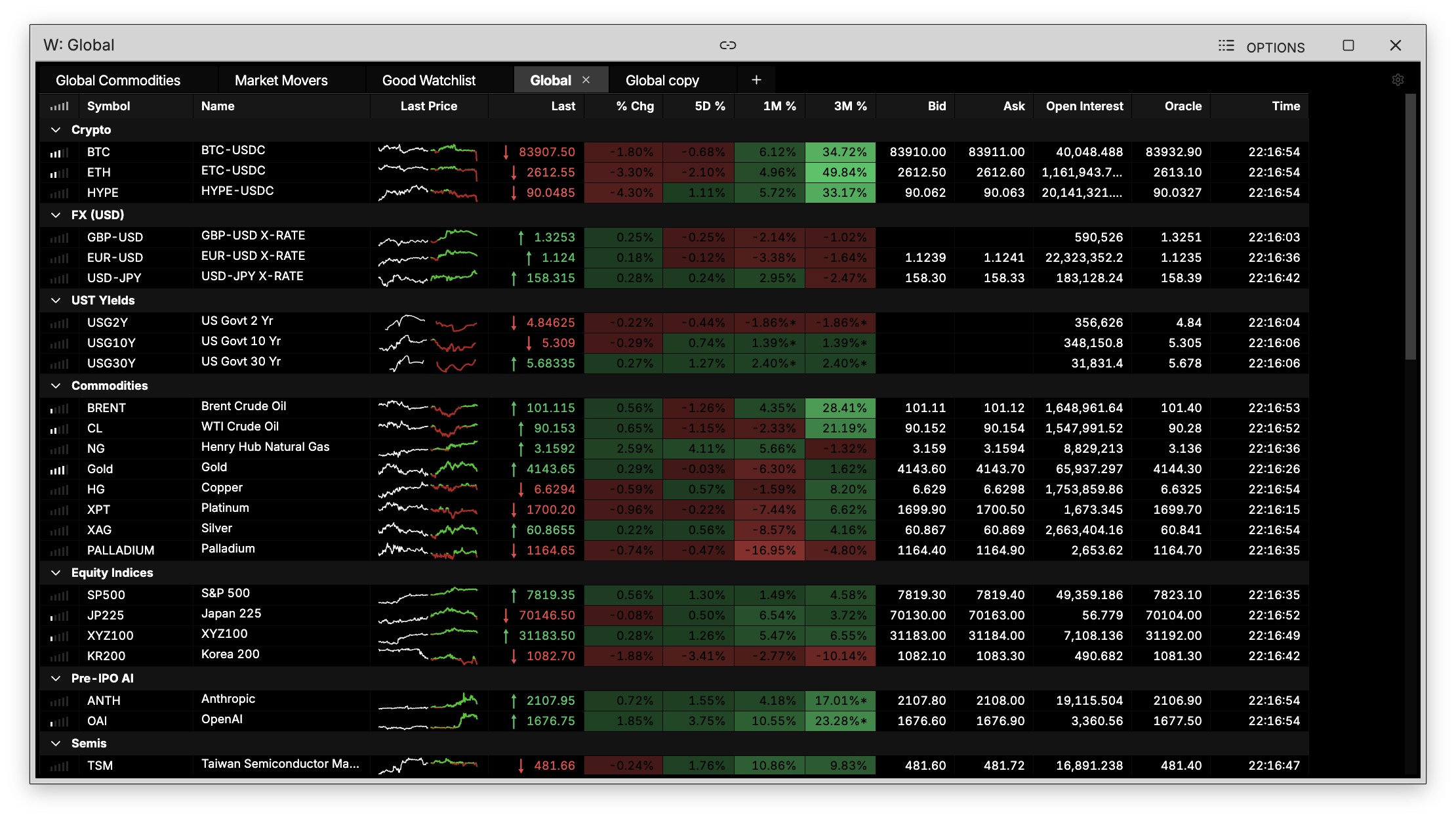
W shows your watchlists, letting you track the securities that matter most to you with real-time pricing and full control over layout.
How to use W
Command: W
Type W in the terminal to open your watchlist.
Managing tabs
Click the + button at the top of the watchlist to create additional tabs, letting you organize different watchlists side by side (e.g. by asset class, sector, or strategy).
Organizing with headers
Within a single watchlist, you can add headers to group securities into sections. For example, you could create a Semis header with related chip stocks underneath, and a separate Memory header grouping memory stocks all within the same tab, organized however makes sense to you.
Showing the top menu bar
Click the arrow on the top-left of the watchlist to show or hide the top menu bar. This bar gives you access to:
- Save — save changes to your current watchlist
- Views — switch between saved layouts
- Columns — choose which data columns are visible
- Settings — adjust watchlist behavior and preferences
Use these controls to customize the watchlist to fit your workflow.