Launchpad
A unified command bar for searching securities and managing saved views.
Launchpad is a unified command bar for searching securities, jumping to different tools, and managing saved workspace layouts — all from a single search field.
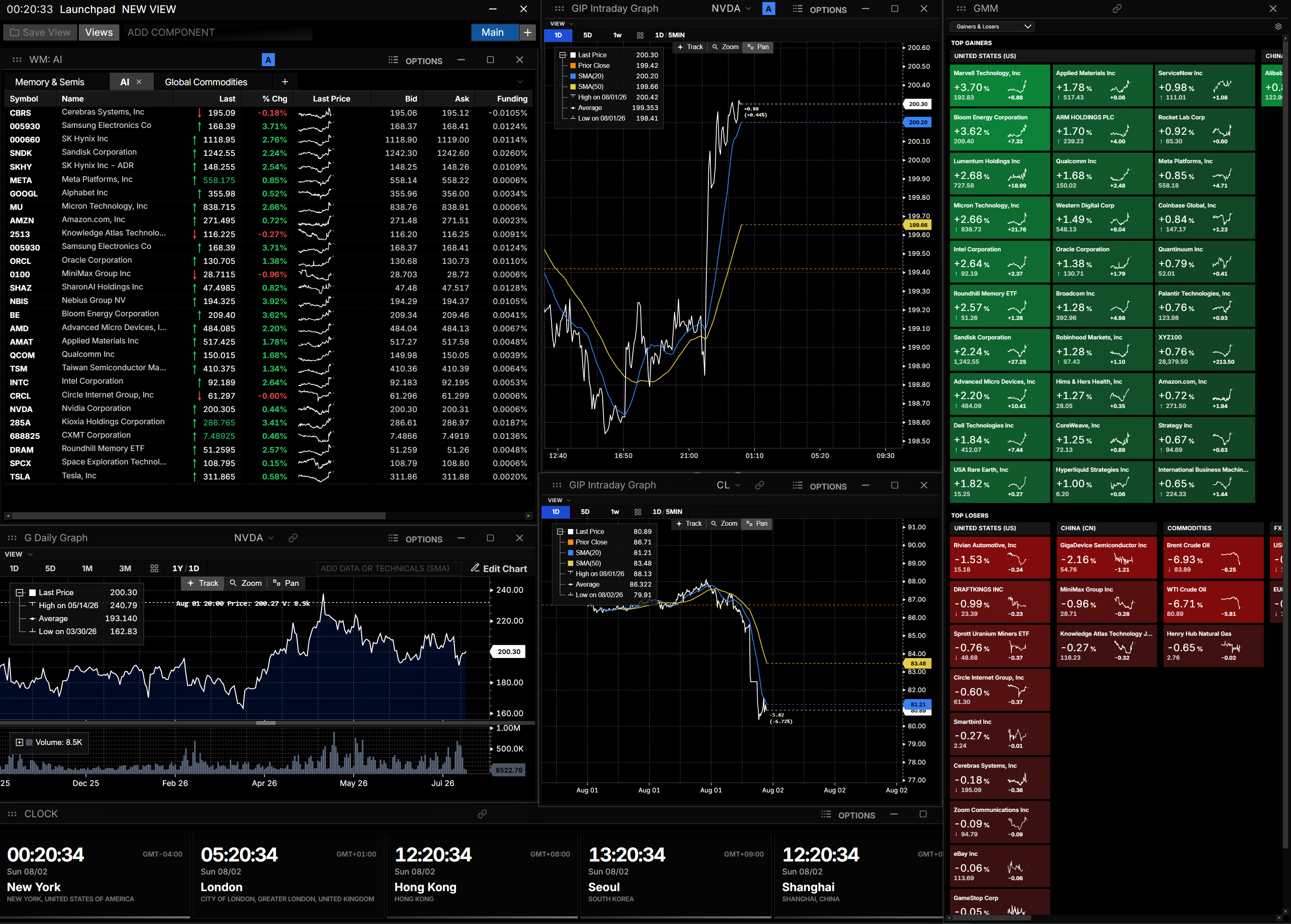
How to use Launchpad
Command: LLP
Type LLP to open the launchpad, then start typing to search.
Searching securities
Type a ticker or company name to search. Selecting a result opens an action menu with shortcuts for that security — like opening its chart, order book, or description.
Managing views
Launchpad also lets you manage saved workspace layouts. Type LLP followed by a space to see available view actions, including:
- Creating a new view
- Opening a previously saved view
- Launching a saved view in a standalone window
- Deleting a saved view
Workspaces
Launchpad supports multiple workspaces, letting you organize different layouts side by side. Switch between them using the workspace tabs at the bottom of the window, or create a new one with the + button.