MKTS
Global Markets
One screen of the cross-asset tape, split into panels.
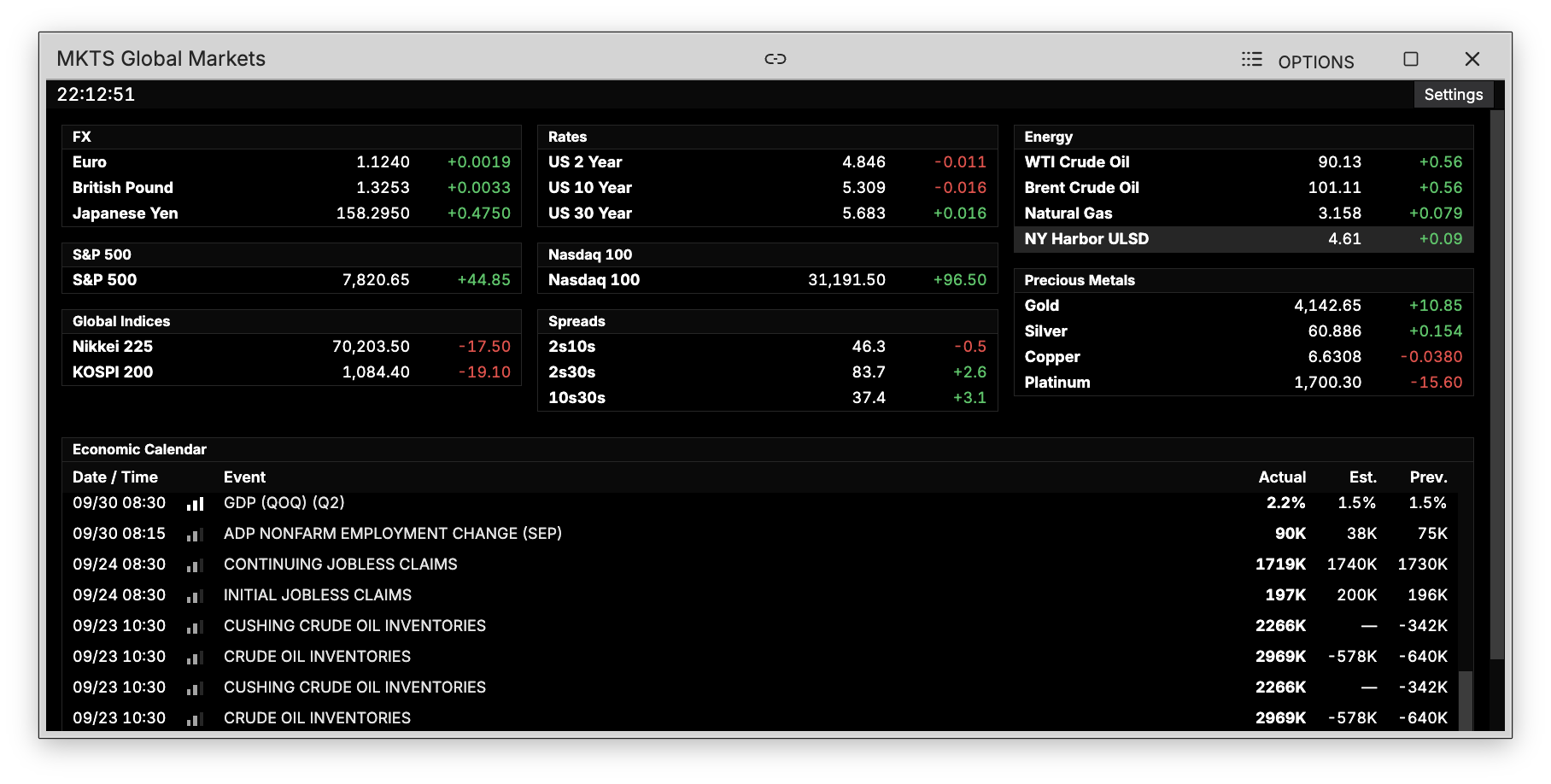
MKTS is the global markets board: FX, the US benchmarks, global indices, rates, curve spreads, energy and precious metals on one screen, with the economic calendar across the foot of it.
How to use MKTS
Command: MKTS
Type MKTS in the terminal to open the board.
What is on it
Each panel is a short table of levels and net change, grouped by what it is:
- FX — the euro, pound and yen against the dollar
- S&P 500 and Nasdaq 100 — the two US benchmarks get a panel each, since they are what the rest of the board is read against
- Global Indices — the Nikkei and KOSPI
- Rates — the 2, 10 and 30 year
- Spreads — 2s10s, 2s30s and 10s30s, computed from the rate legs and shown in basis points rather than quoted
- Energy and Precious Metals
- Economic Calendar — the board's own cut of ECO, running along the bottom
Choosing what shows
Open Settings in the top strip to hide any panel you do not want. The choice is remembered, and a panel added later shows up on its own.