GMM
Global Market Movers
Track top-moving securities across markets in a live card view.
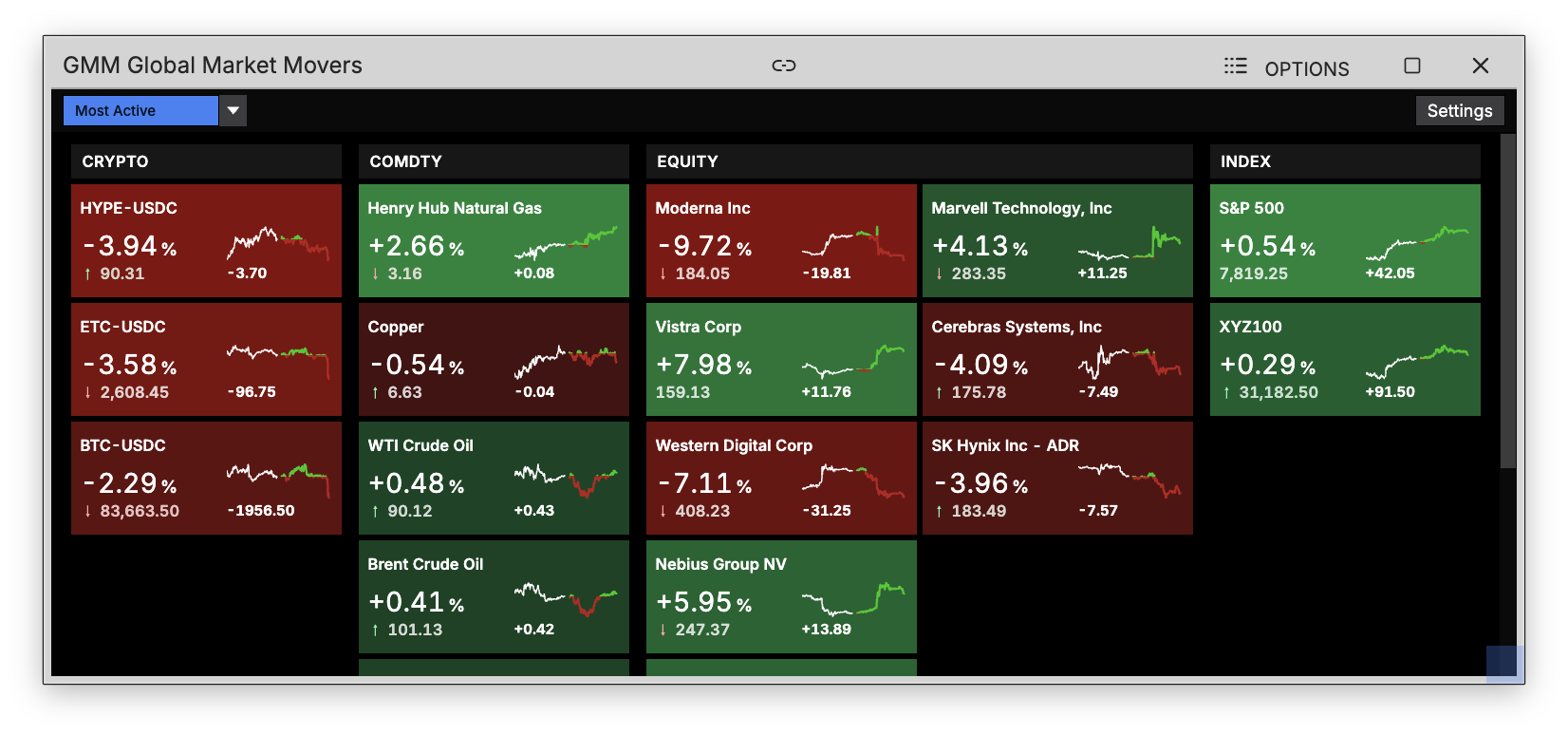
GMM shows global market movers as a grid of live cards, organized into columns, so you can scan price action across markets at a glance.
How to use GMM
Command: GMM
Type GMM in the terminal to open the market movers view.
Reading a card
Each card shows:
- Security name
- Current price
- % change and change
- A 2-day sparkline chart showing recent price movement
Sorting
Use the dropdown button to sort cards by:
- Most Active
- Top Gainers
- Top Losers
- Gainers & Losers Combined
Filtering
Click the settings button on the top-right to filter the view by category or by country so you can focus on the markets that matter to you.