DES
Security Description
Company/asset overview, key parameters, and related assets.
DES gives you a full description of a security, along with key parameters and a list of related assets — plus quick-access charts right alongside the overview.
Overview tab
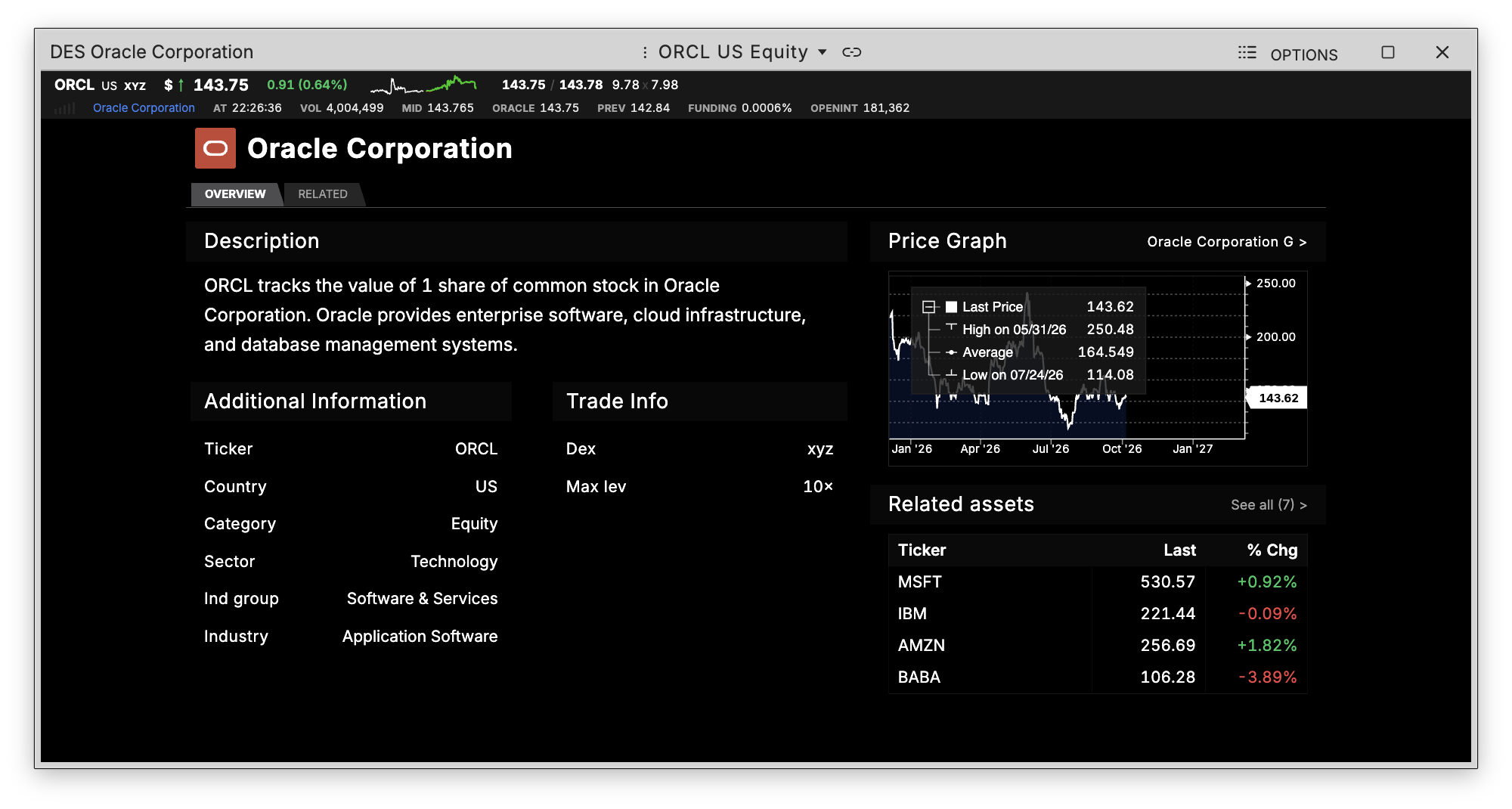
The Overview tab shows:
- Name, logo, and country flag for the security
- Description — expandable if it's long, via the Expand/Collapse toggle
- Key parameters — including Ticker, Dex, Category, Collateral, Base, Quote, Max Leverage, Size Decimals, and (when available) Sector, Industry Group, and Industry
- Graph and Intraday Graph previews on the right side, with quick links to open the full G or GIP views
Related tab
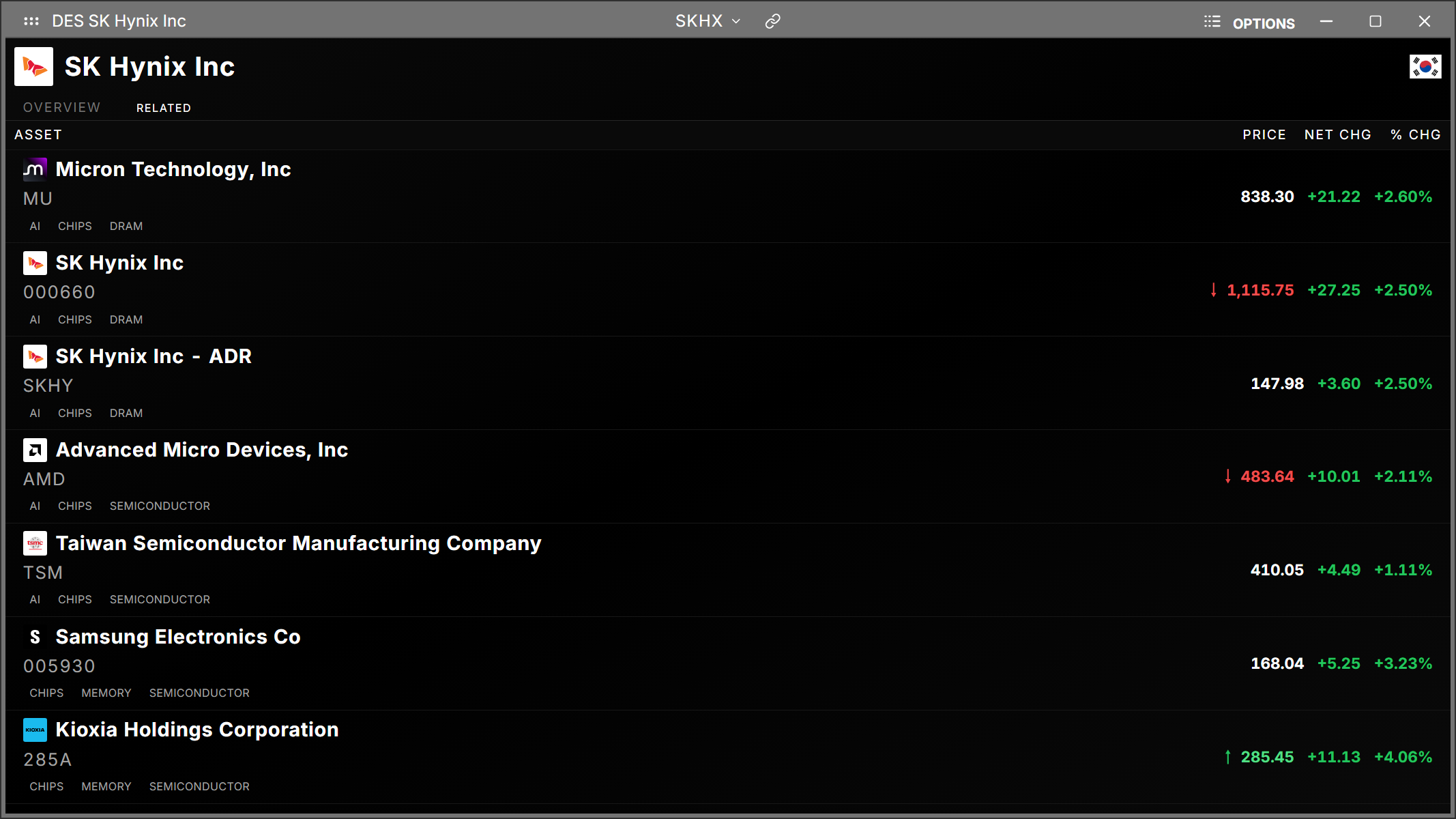
The Related tab shows other assets connected to the current security, along with live price, net change, and % change for each. Each row also shows shared relationship tags (e.g. sector or category overlap).
Click any related asset to open a quick-action menu with shortcuts to:
- G — Graph
- GIP — Intraday Chart
- DES — Description
- OB — Order Book
- T — Time & Sales
How to use DES
Command: DES
Type DES followed by a symbol to pull up its description page.